
Whitepaper · Data Modernization
Keep SQL Server running. Move your data to Fabric.
Power BI grew up and moved to the cloud - but your systems of record still live in on-premise SQL Server. This whitepaper is the practical framework for getting trustworthy, current data into Microsoft Fabric and OneLake, continuously and securely, without a forklift rewrite.
- The reference architecture, end to end
- Why there's no native on-prem-to-cloud path - and how to close it
- Turning SSIS/SSRS into modern, tested ELT and Power BI
- A phased roadmap that keeps the business running
The Incumbent Reality
Decades of investment you can't just walk away from
For tens of thousands of Microsoft-centric organizations, the operational truth still lives in SQL Server - hardened over years, often decades. The people who run it are excellent at SQL. They built the DTS jobs, the SSIS packages, and the SSRS reports the business still depends on every morning.
What’s changed is where analytics happens. The business wants interactive, cloud-delivered Power BI - now part of Microsoft Fabric. But keeping-the-lights-on consumes the team, and there’s rarely a funded, current-skills migration plan. The gap widens every quarter.
The Core Challenge
Fabric is cloud-only. Your data isn't.
Fabric reads from OneLake, and OneLake lives in the cloud. So the real question is no longer “should we modernize?” It's how to get current data out of on-premise SQL Server and into the cloud - continuously and securely. Microsoft gives you excellent destinations, but no first-party service that pulls changes from a firewalled SQL Server efficiently.
Bulk export is a snapshot
bcp and BACPAC give you a point-in-time dump - not the current, incremental data analytics needs.
Cloud connectors assume reach
Most managed ingestion expects an internet-addressable source; on-prem SQL Server sits behind a firewall by design.
Self-hosted still means building
Gateways move bytes, but you own the CDC logic, file formats, schema drift, and state indefinitely.
SaaS CDC gets disqualified
Regulated estates can't hand a third party a tunnel into production, and per-row billing punishes scale.
The Approach
One pattern, from on-prem SQL Server to Power BI
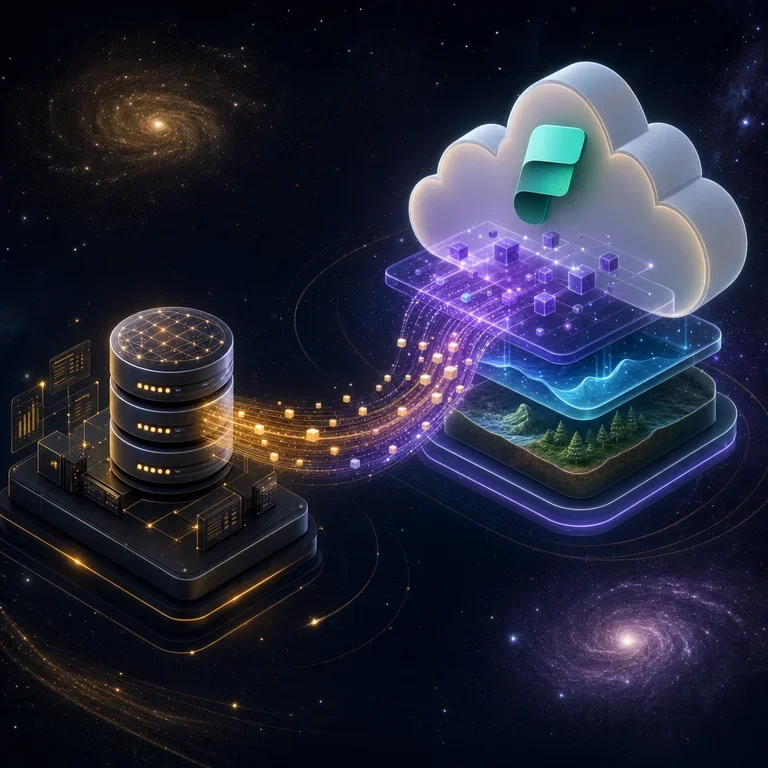
Keep SQL Server as the system of record. Capture changes with log-based CDC, land them in OneLake as open Delta/Parquet, refine in Fabric, and serve Power BI over DirectLake. Nothing inbound to your network; your data stays in your tenant.
SQL Server
On-prem / co-located
Capture agent
Log-based CDC
OneLake
Open Delta / Parquet
Fabric
ELT & modeling
Power BI
DirectLake reporting
For the capture step, teams commonly use log-based CDC tooling such as the DLH SQL Server Agent - purpose-built for firewalled SQL Server and writing open Delta/Parquet - while the transformation layer often runs on dbt-style frameworks (AICG’s DBDeux builds on that approach). Both are options within the pattern, not the only way to implement it.
Govern & Secure
Governance travels with the data
Because OneLake stores open Delta tables in your own tenant, moving data to the cloud is the moment to fix governance - not defer it. Classify sensitive data, trace lineage from a Power BI field back to the SQL Server column it came from, and enforce least privilege with Microsoft Purview and Entra ID.
- Classify and label PII, financial, and health data at the source
- Trace lineage end to end - essential for audits and trust
- Prove residency: an outbound-only agent keeps data in your boundary
Get the Whitepaper
The full framework is one form away
Enter your business details and download the whitepaper immediately. When you’re ready to apply it to your own SQL Server estate, our team will build the phased migration plan with you.